
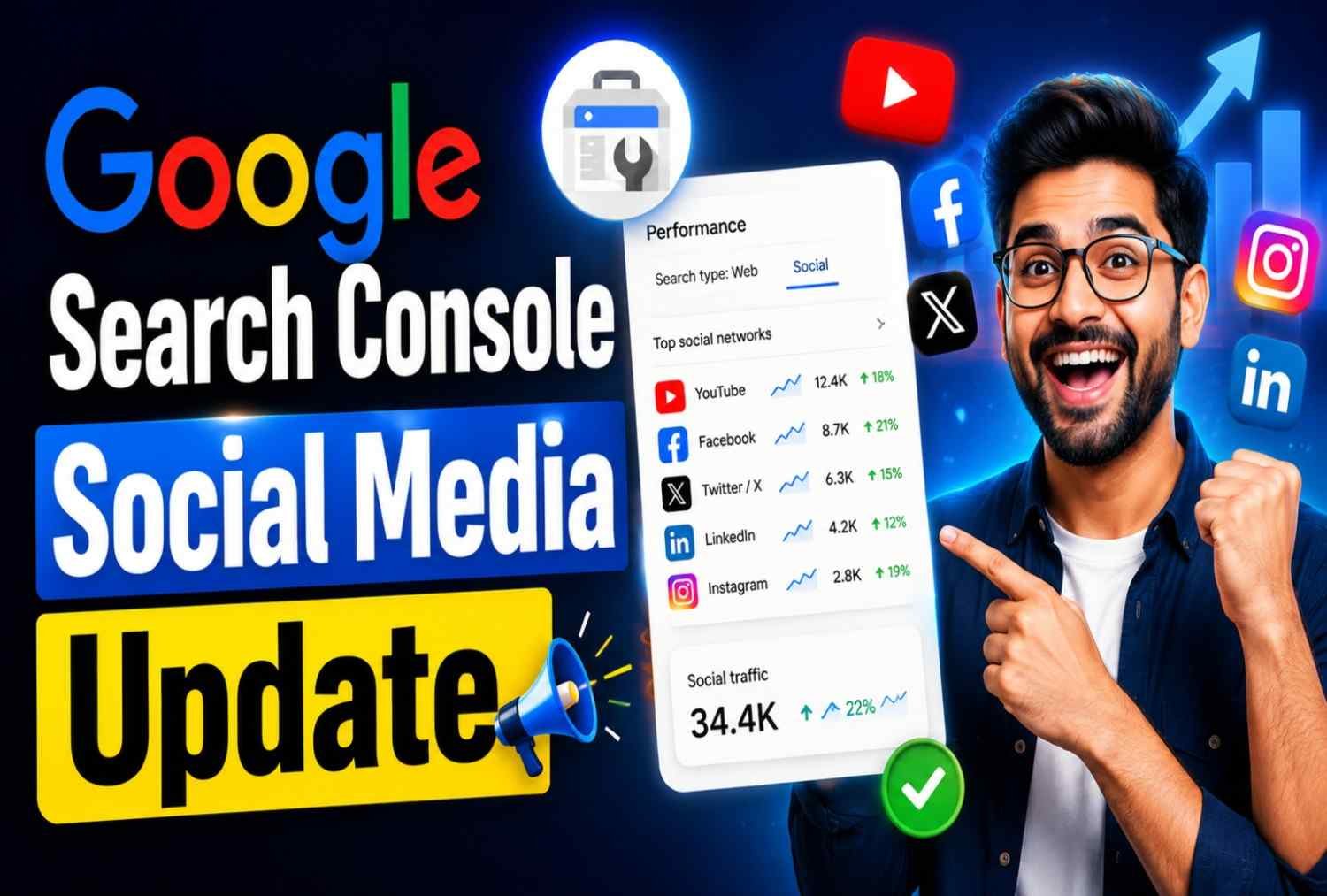
Google Search Console has always been one of the most valuable free SEO tools for website owners, marketers, and businesses. For years, it has helped users understand how their websites perform in Google Search through data such as clicks, impressions, search queries, indexing reports, and technical SEO insights. Now, Google is expanding Search Console beyond traditional websites to Google Search Console Social Media Update.
The latest Google Search Console update introduces support for social media platforms, allowing creators and businesses to monitor how their social content appears and performs in Google Search. This update reflects a major shift in how people discover information online. Users are increasingly finding content through platforms like YouTube, Instagram, TikTok, and X (formerly Twitter), and Google is adapting to this behavior.
For SEO professionals, content creators, agencies, and brands, this update could change how search performance is measured and optimized in the future.
What Is the New Google Search Console Social Media Update?
Google has introduced a feature known as Platform Properties, enabling users to connect supported social media accounts directly to Google Search Console.
Previously, Search Console was limited to websites and web properties. To track social media performance, marketers had to rely on individual platform analytics such as:
- Instagram Insights
- YouTube Analytics
- TikTok Analytics
- X Analytics
The new update bridges this gap by showing how social profiles and content perform specifically within Google Search results.
This means users can now understand:
- How often their social content appears in search results
- Which search terms trigger their profiles
- How many clicks social content receives from Google Search
- Which posts generate the most visibility
This represents one of the biggest Search Console expansions since its launch.
Why Google Introduced Platform Properties
The search landscape has changed dramatically over the last few years.
Traditional websites are no longer the only destination users visit when searching for information.
Today’s users often search for:
- Product reviews on YouTube
- Travel tips on Instagram
- Tutorials on TikTok
- News updates on X
Google has noticed this behavioral shift and increasingly includes social media content directly within search results.
As social content becomes more searchable, creators need visibility into how that content performs on Google.
The new Platform Properties feature addresses this need by bringing search performance data directly into Search Console.
The Rise of Social Search
Younger audiences increasingly use social platforms as search engines.
Instead of searching:
“Best smartphone under ₹20,000”
Users may directly search TikTok or YouTube for video recommendations.
Similarly, people now discover:
- Restaurants
- Fashion brands
- Travel destinations
- Technology products
- Educational content
through social platforms before visiting websites.
Google’s latest update acknowledges that search journeys now extend beyond traditional web pages.
Which Social Media Platforms Are Supported?
Google currently supports several major social platforms through Platform Properties.
Instagram creators can track how their profiles and content appear in Google Search.
This helps businesses understand:
- Search visibility
- Profile discovery
- Brand awareness growth
Instagram SEO is becoming increasingly important, and Search Console data can reveal valuable opportunities.
YouTube
YouTube has long been integrated into Google’s ecosystem.
With Platform Properties, creators gain deeper insights into:
- Search impressions
- Search-generated clicks
- Keyword performance
- Content visibility trends
This can complement traditional YouTube Analytics.
TikTok
TikTok content now frequently appears in Google search results.
The new Search Console integration allows creators to see:
- Which videos appear in search
- How often users discover content through Google
- Search demand trends
This is especially useful for creators targeting viral topics.
X (Formerly Twitter)
Brands and public figures often rely on X for announcements and engagement.
Search Console now provides visibility into:
- Search traffic to profiles
- Post visibility in Google Search
- User engagement originating from search
This helps marketers better evaluate content reach.
Key Features of the New Platform Properties Update
The new update introduces several powerful capabilities.
1. Search Click Tracking
Users can view the number of clicks generated from Google Search directly to their social profiles and content.
This provides a clearer picture of organic visibility.
2. Impression Reporting
Impressions show how often social content appears in search results.
A higher impression count indicates stronger visibility.
Businesses can use this metric to monitor brand exposure.
3. Click-Through Rate (CTR)
CTR helps measure how attractive social content appears within search results.
A low CTR may indicate:
- Weak titles
- Poor descriptions
- Lack of relevance
Improving these factors can increase traffic.
4. Average Position Tracking
The update allows users to see average ranking positions for social content.
This helps identify:
- High-performing content
- Opportunities for optimization
- Emerging keyword trends
5. Search Query Data
One of the most valuable additions is keyword reporting.
Users can discover:
- What people search for
- Which queries trigger social profiles
- New content opportunities
This data can directly influence content strategy.
6. Top Performing Content Reports
Search Console highlights content receiving the most visibility and traffic.
Marketers can analyze successful posts and replicate winning strategies.
How Platform Properties Work
Platform Properties function similarly to traditional website properties.
After verification, Google collects and displays search performance data related to supported social accounts.
The system tracks:
- Search impressions
- Search clicks
- CTR
- Average position
- Query data
All information is organized within familiar Search Console reports.
This makes adoption easy for existing users.
How to Add Social Media Accounts to Google Search Console
Setting up Platform Properties is straightforward.
Step 1: Open Google Search Console
Log in using your Google account.
Step 2: Click “Add Property”
Navigate to the property selector and choose:
Step 3: Select a Supported Platform
Choose the social media platform you want to connect.
Examples include:
- YouTube
- TikTok
- X
Step 4: Verify Ownership
Google requires proof that you own the account.
Verification methods may vary by platform.
Step 5: Wait for Data Collection
After successful verification, Search Console begins gathering data.
It may take several days before reports populate.
How the Google Search Console Social Media Update Will Change SEO
The introduction of Platform Properties marks a significant milestone in the evolution of search engine optimization. For years, SEO strategies primarily focused on optimizing websites. However, search behavior has shifted dramatically. Today, users often discover brands, creators, and products through videos, social media profiles, and short-form content before ever visiting a website.
Google’s latest update acknowledges this change by bringing social media performance into Search Console. As a result, SEO is no longer limited to web pages—it now includes optimizing your entire online presence.
This means businesses, influencers, bloggers, and marketers should start treating their social media profiles as valuable search assets rather than just engagement channels.
Benefits of the New Search Console Update
Whether you’re a content creator, business owner, or SEO professional, this update offers several practical advantages.
1. Better Keyword Research
Search Console now provides insights into the search queries that lead users to your social media content. These keywords can help you:
- Discover new content ideas
- Identify trending topics
- Optimize captions and video titles
- Improve your overall SEO strategy
Instead of guessing what your audience is searching for, you can use real search data to create more relevant content.
2. Improved Content Planning
The Performance report helps identify which social posts receive the highest number of impressions and clicks from Google Search.
By analyzing this data, you can:
- Create more content around successful topics
- Update older posts with fresh information
- Improve underperforming content
- Build a long-term content strategy
This data-driven approach helps maximize your visibility across search and social platforms.
3. Better ROI Measurement
Many businesses invest heavily in social media marketing but struggle to measure its impact on organic search.
With Platform Properties, you can now understand:
- Which social platforms drive the most search traffic
- Which content performs best in Google Search
- How social media contributes to brand visibility
This makes it easier to justify marketing investments and refine your strategy.
4. Stronger Brand Visibility
Google increasingly displays social profiles directly in search results.
A well-optimized profile can appear for:
- Brand searches
- Product searches
- Creator names
- Industry-related keywords
By monitoring these appearances in Search Console, you can strengthen your brand presence and improve discoverability.
What This Means for the Future of SEO
The Search Console social media update reinforces a growing trend: SEO is no longer confined to websites.
Search engines are evolving into content discovery platforms that surface information from websites, videos, social media, forums, and AI-generated summaries.
In the coming years, marketers will need to optimize:
- Websites
- YouTube channels
- Instagram profiles
- TikTok videos
- Social media posts
- AI-generated content
- Knowledge Graph entities
Businesses that embrace this broader approach will be better positioned to reach users wherever they search.
Final Thoughts
Google’s Social Media Platform Properties update represents an important step toward a more connected search ecosystem. As users increasingly discover information through social platforms, Google is providing creators and businesses with the tools to understand and optimize that visibility. Rather than viewing your website and social media as separate channels, it’s time to think of them as parts of a unified search strategy. By monitoring search performance across both, you can make smarter content decisions, reach a wider audience, and stay ahead of evolving SEO trends.
If you’re serious about modern SEO, this update is worth exploring. Start optimizing your social profiles today, monitor their performance in Search Console, and use the insights to create content that resonates with both search engines and your audience.