
Selling on Amazon is a great opportunity for many businesses and individuals. However, there may come a time when you decide to stop selling on Amazon and close your seller account. Some sellers close their accounts because their business has ended, while others may want to move to a different platform or focus on another business.
Deleting your Amazon seller account is a serious decision. The process is permanent. You cannot easily reopen the account later.
Why People Delete Their Amazon Seller Account
There are many reasons why a seller may want to close their Amazon account. Some of the most common reasons include:
Many small businesses start selling on Amazon to grow their brand. However, sometimes the competition becomes very high, and sellers may find it difficult to maintain profits. In such cases, they may decide to close the account.
Some sellers stop selling because their business has closed or they no longer have products to sell. Others may want to switch to their own website or another e-commerce platform like Shopify or Flipkart.
Sometimes sellers also close their accounts due to account suspension issues or policy violations. Instead of trying to recover the account, they may prefer to start fresh later.
Whatever your reason may be, Amazon allows sellers to close their accounts permanently if they follow the required steps.
Important Things to Do Before Deleting Your Amazon Seller Account
Before you request to close your seller account, Amazon requires that you complete a few important tasks. These steps ensure that customers and payments are handled properly.
Complete All Orders
First, make sure that all your customer orders have been shipped and delivered. If there are any pending orders, you must fulfill them before closing your account.
Resolve Customer Issues
If any customers have requested refunds, replacements, or support, you should resolve those issues before closing your account. Leaving unresolved customer issues may delay the account closure process.
Clear Outstanding Balances
Make sure there are no unpaid balances, refunds, or fees in your account. Amazon will not allow you to close your account if there are pending payments or charges.
Remove Product Listings
You should close or delete all active product listings from your inventory. This ensures that customers cannot place new orders while you are closing your account.
Wait for Final Payments
Amazon may hold funds for a certain period to cover returns or claims. Usually, sellers may need to wait up to 90 days for all payments to be settled.
Step-by-Step Process to Delete Amazon Seller Account
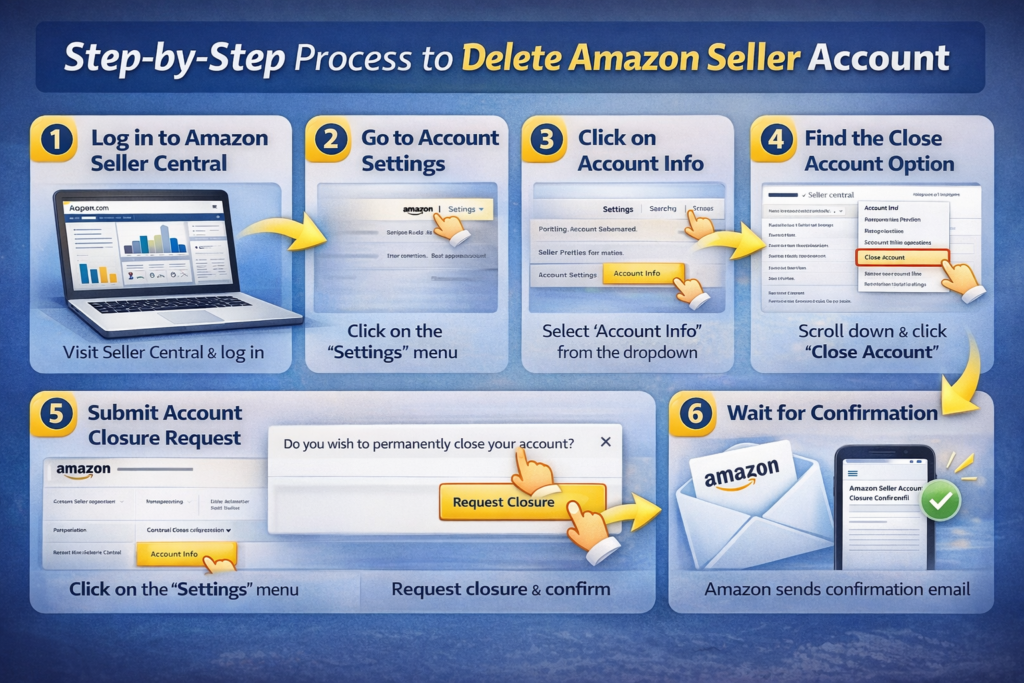
Closing an Amazon seller account is a simple process if you follow the correct steps.
Step 1: Log in to Amazon Seller Central
First, go to the Amazon Seller Central website and log in using your seller account email and password.
Step 2: Go to Account Settings
After logging in, find the Settings option in the top right corner of the dashboard.
Step 3: Click on Account Info
From the settings menu, select Account Info. This section contains all the details related to your seller account.
Step 4: Find the Close Account Option
Scroll down the page until you see the option called Close Account.
Step 5: Submit Account Closure Request
Click on the close account option and submit a request to Amazon. Amazon may ask you to confirm that you want to permanently close your seller account.
Step 6: Wait for Confirmation
After submitting the request, Amazon will review your account to make sure all requirements are completed. Once everything is verified, Amazon will close your seller account and send you a confirmation email.
What Happens After You Delete Your Amazon Seller Account
Once your account is closed, you will no longer be able to access Seller Central or sell products on Amazon using that account.
You may also lose access to important information such as sales reports, order history, and inventory details. Therefore, it is a good idea to download any important data before closing your account.
Amazon will also process any remaining payments according to their payment schedule.
Can You Reopen a Closed Amazon Seller Account?
In most cases, once an Amazon seller account is closed, it cannot be reopened. If you want to start selling again in the future, you may need to create a new account.
However, Amazon may review your previous account history before approving a new account. Therefore, it is always better to close your account properly and follow all Amazon policies.
Final Thoughts
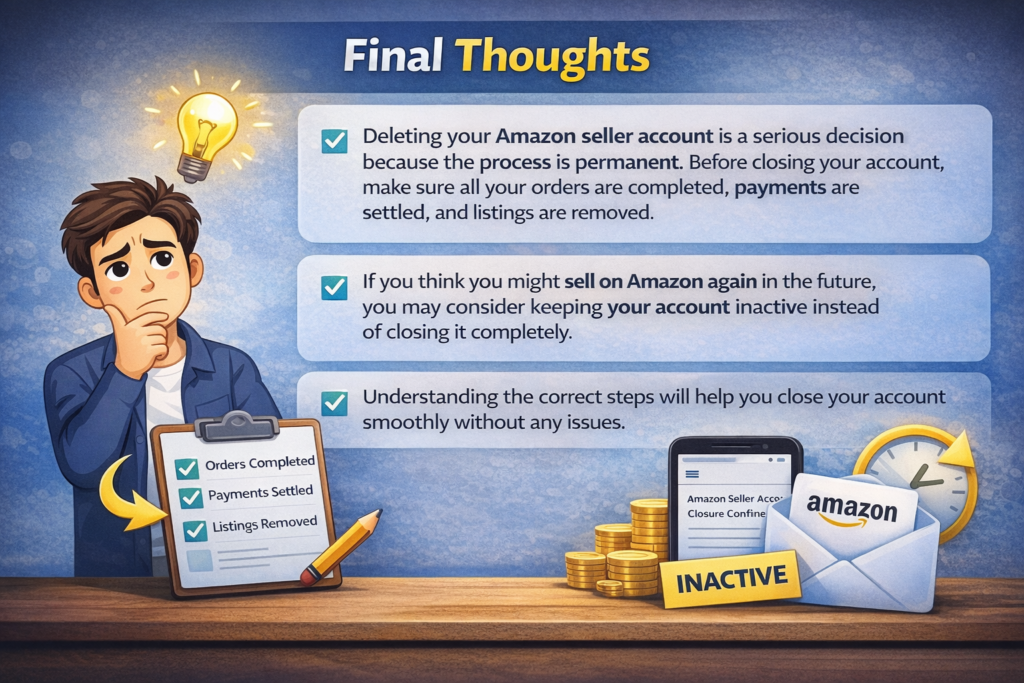
Deleting your Amazon seller account is a serious decision because the process is permanent. Before closing your account, make sure all your orders are completed, payments are settled, and listings are removed.
If you think you might sell on Amazon again in the future, you may consider keeping your account inactive instead of closing it completely.
Understanding the correct steps will help you close your account smoothly without any issues.