
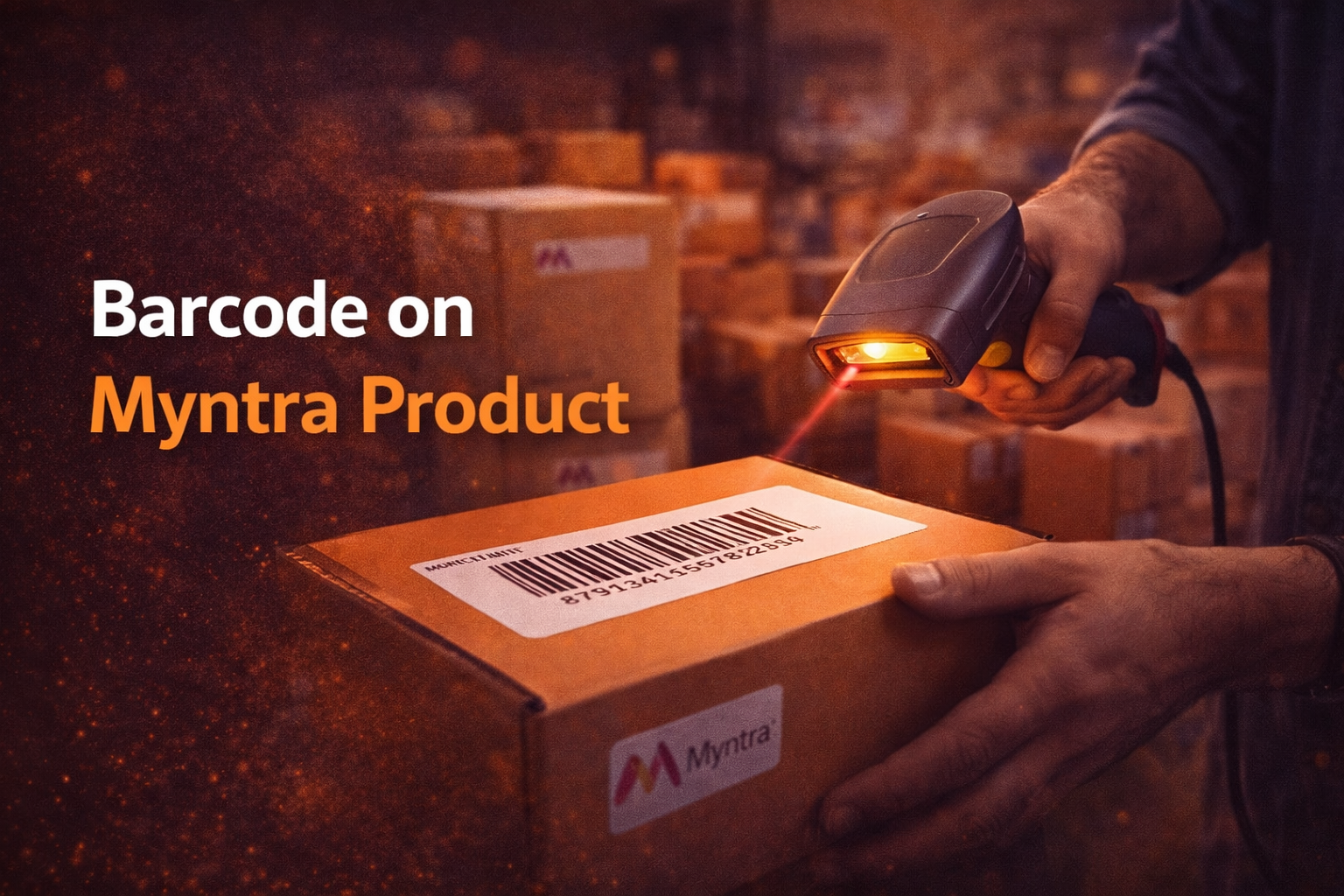
If you sell products on Myntra or plan to start, one small detail can determine whether your inventory runs smoothly or turns into a logistical headache: the barcode. Many sellers underestimate the barcode on Myntra product listings, assuming it is just a label used for scanning. In reality, the barcode acts as a digital identity for every product in Myntra’s ecosystem. It connects your physical inventory with Myntra’s warehouse systems, order processing workflows, and return verification mechanisms. Without proper barcode management, sellers often face issues like inventory mismatches, delayed shipments, incorrect product dispatch, or even rejection at the warehouse level.
This guide explains how the Myntra barcode system works, how to locate and verify a Myntra barcode number, and why it is critical for efficient inventory management. Whether you are a new seller or an established brand managing hundreds of SKUs, understanding this system can significantly improve operational accuracy.
What is a Barcode?
A barcode is a machine readable code that stores product information in the form of numbers and patterns of parallel lines. When scanned with a barcode reader or scanning device, the encoded data is instantly interpreted by inventory systems.
Barcodes were originally developed to simplify product tracking in retail environments, but today they play a far bigger role in supply chain automation, warehouse management, and eCommerce logistics.
Most barcodes contain information such as:
- Product identifier
- Brand or manufacturer details
- SKU reference
- Batch information
- Tracking codes used by inventory systems
In eCommerce platforms like Myntra, a barcode functions as a unique product identifier that links the physical product with its digital listing.
Common Barcode Formats Used in eCommerce
Different platforms and regions may use different barcode formats. The most common ones include:
UPC (Universal Product Code)
Widely used in North America for retail products.
EAN (European Article Number)
Commonly used in global markets and often required by large marketplaces.
Code 128 or Code 39
Frequently used in warehouse environments because they support alphanumeric characters.
For Myntra sellers, the barcode attached to each product ensures that the correct item is scanned, picked, packed, and shipped.
Role of Myntra Barcode in Inventory Management
Efficient inventory management is one of the biggest operational challenges for online sellers. When dealing with hundreds or thousands of SKUs, manual tracking becomes unreliable and time consuming.
This is where the barcode on Myntra product systems becomes essential.
1. Accurate Product Identification
Each product variant such as size, color, or style can have its own barcode. When warehouse staff scan the barcode, the system immediately identifies the correct SKU.
For example:
- T shirt Red Size M
- T shirt Red Size L
- T shirt Blue Size M
Although these products look similar, their barcodes ensure the correct variant is processed.
2. Faster Warehouse Processing
Myntra warehouses rely heavily on automated scanning systems. Barcodes allow workers to process products quickly without manually verifying product details.
This speeds up:
- Inventory intake
- Order picking
- Packaging
- Shipment verification
3. Reduced Human Errors
Manual product identification can lead to mistakes such as wrong product dispatch or incorrect stock updates. Barcode scanning eliminates most of these risks.
4. Seamless Returns Processing
Returns are common in fashion marketplaces. When a returned item arrives at the warehouse, the barcode is scanned to verify that the correct product has been returned.
This helps Myntra maintain accurate return tracking and inventory updates.
5. Real Time Inventory Synchronization
Barcode scanning allows Myntra’s systems to update stock levels instantly when products move in or out of the warehouse.
For sellers, this means better visibility into:
- Available stock
- Out of stock products
- Inventory replenishment needs
How to Use Barcode on Myntra Products?
For sellers, using barcodes properly involves a few structured steps. Understanding this workflow helps avoid product rejection or fulfillment issues.
Step 1: Assign Unique Barcodes to Each SKU
Every product variation must have its own barcode. This includes different sizes, colors, or designs.
For example:
Product: Denim Jacket
Variants:
- Small
- Medium
- Large
Each variant should have a different barcode.
Step 2: Print the Barcode Label
Once the barcode is generated or assigned, sellers must print it clearly on labels.
Important printing considerations:
- High contrast printing (black on white)
- Proper label size
- Clear scanning visibility
- Avoid label damage or smudging
Step 3: Attach the Barcode to the Product
The barcode label should be attached to the product packaging or tag in a visible area.
Common placement options include:
- Product hang tag
- Packaging label
- Polybag sticker
Step 4: Upload Product Data on Seller Panel
When listing products on Myntra’s seller portal, the Myntra barcode number must be associated with the correct SKU in the system.
This ensures the barcode matches the product listing.
Step 5: Verification During Warehouse Processing
When the product reaches Myntra’s fulfillment center, the barcode is scanned to verify the item before it enters the inventory system.
If the barcode does not match the listing data, the product may be rejected.
How to Locate Barcode on Myntra Products?
Finding the barcode on a Myntra product is usually straightforward, but the exact location can vary depending on the brand and packaging type.
1. Product Tag
Many fashion items have a barcode printed directly on the brand tag or hang tag attached to the garment.
2. Packaging Label
Some products include the barcode on the polybag or outer packaging rather than the product itself.
3. Price Label Sticker
Retail stickers attached to the product sometimes contain barcode information along with price and SKU details.
4. Invoice or Packaging Slip
In certain cases, the barcode number may also appear on the shipment invoice or packing slip for internal tracking.
If you are verifying products in bulk inventory, scanning the barcode using a mobile barcode scanner or warehouse device is usually the fastest approach.
How to Verify Myntra Barcode on Your Product?
Verification ensures that the barcode printed on your product matches the SKU registered in the Myntra system. Skipping this step can cause major operational issues.
Step 1: Scan the Barcode
Use a barcode scanner or scanning app to read the code printed on the product.
The scanner will display the numeric code associated with the barcode.
Step 2: Match the Barcode With SKU Data
Check the scanned barcode number against the product SKU stored in your inventory management system or Myntra seller dashboard.
They must match exactly.
Step 3: Confirm Variant Accuracy
Verify that the barcode corresponds to the correct product variant.
Example:
- Shirt Blue Size L should not carry the barcode assigned to Shirt Blue Size M.
Step 4: Test Multiple Samples
Before shipping inventory to Myntra warehouses, it is good practice to randomly test several products from each batch.
This reduces the risk of incorrect barcode labeling.
Practical Verification Checklist
Before sending products to Myntra, confirm the following:
- Barcode is clearly printed and scannable
- Barcode number matches the product SKU
- Correct barcode is assigned to each variant
- Label placement does not obstruct scanning
- Packaging does not damage the barcode
Following this simple checklist can prevent warehouse rejections and shipment delays.
Key Insights Many Sellers Miss About Myntra Barcodes
Even experienced sellers sometimes overlook how critical barcode management is. A few operational insights can make a big difference.
Barcode Errors Often Cause Inventory Mismatch
Incorrect labeling can lead to situations where Myntra’s system shows stock that does not actually exist. This results in canceled orders and reduced seller performance ratings.
Barcode Consistency Improves Warehouse Acceptance
Warehouses process thousands of items daily. Consistent barcode formatting and label placement helps ensure smooth intake and scanning.
SKU Complexity Requires Structured Barcode Strategy
As product catalogs grow, sellers should implement a structured barcode assignment strategy rather than randomly generating codes. A simple internal rule based system helps prevent duplication and confusion later.
Barcode Quality Affects Scanning Speed
Low quality printing or damaged labels slow down scanning, which can delay warehouse operations.High quality label printing significantly improves processing efficiency.
Conclusion
Barcodes might appear to be a small technical detail, but in modern eCommerce logistics they act as the backbone of inventory accuracy and order fulfillment. Understanding the barcode on Myntra product systems helps sellers maintain better inventory control, reduce operational errors, and streamline warehouse processing. From assigning the correct Myntra barcode number to verifying it before shipment, every step plays a role in ensuring that products move smoothly through the platform’s supply chain. For sellers aiming to scale their Myntra business, implementing a disciplined barcode management process is not optional. It is a core operational requirement that directly impacts efficiency, accuracy, and customer satisfaction.
Also Read : What Is HTC QR Code and How to Generate, Scan and Use on HTC Phones?
Also Read : How to Sell on Myntra: A Practical Guide to Myntra Seller Onboarding and Building a Successful Brand
FAQs
What is a barcode on a Myntra product?
A barcode on a Myntra product is a machine readable code that uniquely identifies a product or product variant within the marketplace’s inventory system. It connects the physical product with its digital listing, allowing warehouse systems to scan, track, and process the item accurately. Each barcode typically corresponds to a specific SKU, ensuring that the correct product variant is identified during inventory intake, order fulfillment, and returns processing.
Is the Myntra barcode number different for each product variant?
Yes, each product variant usually has its own barcode. Variants such as different sizes, colors, or styles must be assigned unique barcode numbers to prevent confusion during warehouse processing. For example, a black shirt in size Medium and the same shirt in size Large should have different barcode numbers.
Where can I find the barcode on a Myntra product?
The barcode is typically located on the product hang tag, packaging label, or price sticker attached to the item. In some cases, it may also appear on the packaging slip or shipment documentation. If you are handling inventory in bulk, scanning the barcode with a barcode reader is the fastest way to identify it.
How can sellers verify the Myntra barcode before shipping products?
Sellers can verify barcodes by scanning them with a barcode scanner and matching the scanned number with the SKU data stored in their inventory management system or Myntra seller panel. Testing a few products from each batch before shipment helps ensure labeling accuracy and reduces the risk of warehouse rejection.
What happens if the barcode on a Myntra product is incorrect?
If the barcode does not match the SKU data in the Myntra system, the product may be rejected during warehouse intake or incorrectly recorded in inventory. This can lead to shipment delays, stock mismatches, order cancellations, and reduced seller performance metrics. Proper barcode verification helps avoid these issues.